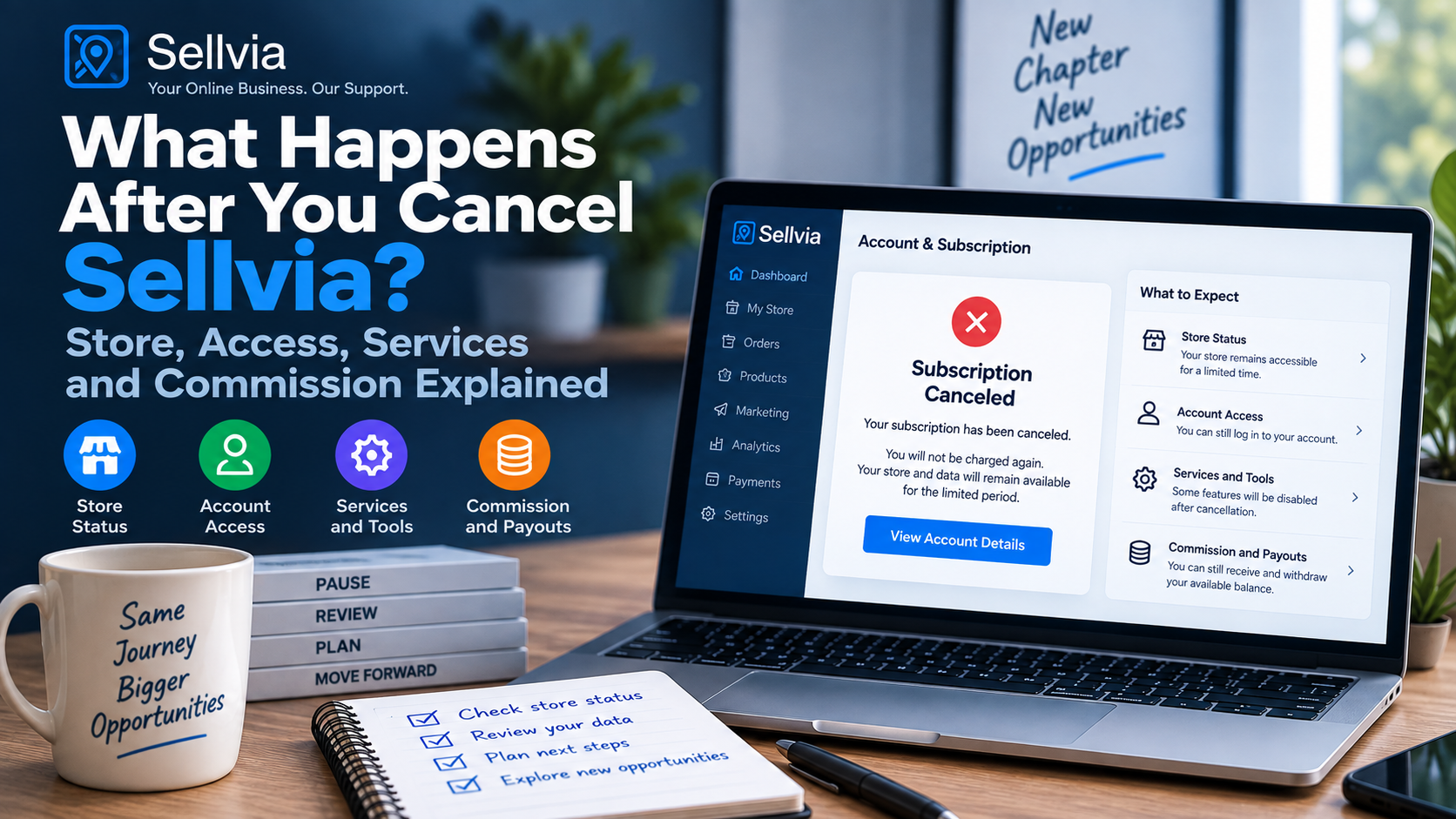
What Happens After You Cancel Sellvia? Store, Access, Services and Commission
A practical post-cancellation guide to what changes immediately, what needs a separate check, and what to do with commission and account records.
Cancellation is easy to describe as a single action, but the useful question starts one step later: what actually happens after the confirmation arrives? I reviewed the current cancellation language, the way Sellvia separates stores and subscriptions, and the commission rules so this guide can focus on the post-cancellation state rather than repeat our basic cancellation tutorial.
If you have not canceled yet, start with our complete Sellvia cancellation guide. If you already completed the process and only want to confirm that renewal stopped, use our cancellation verification checklist. This article is for the period after that: store status, access, services, orders, commission and the records worth keeping.
The four areas I check after cancellation
1. Your Turnkey Store is tied to the subscription
Sellvia currently describes each Turnkey Store as being tied to its own subscription. The dashboard cancellation action is labeled “Unsubscribe and Delete Store,” and the Terms of Use state that the Free Turnkey Store is canceled when the associated Sellvia subscription is canceled. That is the first consequence to understand: this is not simply an auto-renew switch that leaves the same hosted store running indefinitely.
This structure also matters if you have more than one store. Sellvia says one customer email may have multiple Turnkey Stores and that each associated subscription operates independently. In practice, I would always identify the exact store before cancellation and then verify the remaining Plans entries afterward. Seeing another active store after canceling one is not evidence that the cancellation failed.
If you need the distinction in more detail, our Sellvia cancellation vs store deletion guide breaks down the relationship between the subscription, store and Partner Account.
2. The associated Partner Account is deactivated
The second major change is the Partner Account. Current Sellvia terms say the Partner Account associated with the canceled subscription is deactivated and that orders may no longer be received through it after deactivation. This is why I recommend reviewing order and balance information before cancellation rather than assuming every operational screen will remain usable in exactly the same way afterward.
Deactivation is also important because the Partner Account is the context in which Sellvia describes commission functionality. Once the subscription is canceled, the normal active-account relationship changes. The post-cancellation commission rules then become more important than the standard active-subscription redemption rules.
3. Access to Sellvia features is suspended
Sellvia states that after cancellation, access to Sellvia features, including commission functionality, is suspended. I interpret that conservatively: if there is information I may need for a later support or billing conversation, I save it before cancellation. That includes screenshots of the plan, relevant order identifiers, balance states, invoices and the cancellation confirmation.
This does not mean you should assume every historical record instantly disappears. Account systems may preserve records for administrative or support purposes. The important distinction is between historical information and continued operational access to the service. A canceled subscription should not be treated as an active workspace.
4. Orders may no longer be received through the Partner Account
The current cancellation language specifically says orders may no longer be received through the Partner Account after deactivation. That makes sense operationally: once the store and Partner Account are no longer active, you should not plan on new activity continuing as though nothing changed.
Existing orders deserve a separate check. Before cancellation, I would record any order that is not fully resolved and note its current state. I would not invent a universal outcome for every in-progress order because the relevant facts depend on the order status. If a specific order remains financially important, keep its identifier and ask Sellvia support about that exact order if the post-cancellation state is unclear.
5. Available Commission gets a special post-cancellation window
This is the part I would pay the most attention to. Current Sellvia terms say that when a subscription is canceled, expires or is terminated, Sellvia will notify the customer at the account email of any Available Commission recorded in the account and of the period in which it may be redeemed.
The stated Redemption Period is fourteen days from the date of that notice. During this period, the normal minimum redemption amounts do not apply, although the other redemption conditions, including verification, continue to apply. That is a meaningful exception to the normal active-subscription rules and is worth understanding before you close the account.
6. Pending and Incoming Commission do not automatically become Available
Cancellation does not accelerate every commission state. Sellvia’s current terms explicitly say that Pending Commission, Incoming Commission and commission awaiting allocation during the validation window do not become Available solely because the subscription was canceled, expired or terminated.
Those amounts can be forfeited at the end of the Redemption Period unless they have become Available and been redeemed within it. This is why a screenshot of the balance breakdown before cancellation is much more useful than a screenshot of one total number. The labels matter.
I would separate the balance into at least three buckets: Available, Pending and Incoming. Then I would preserve Sellvia’s post-cancellation notice. If a meaningful amount is involved and the timing is close, I would contact support with the exact balance states rather than rely on assumptions.
7. Verification still matters during the redemption period
The post-cancellation exception does not eliminate verification. Sellvia states that the other conditions for commission redemption continue to apply, including verification requirements. If identity or other requested verification is incomplete, cancellation is not a shortcut around it.
That makes preparation useful. If you know you intend to cancel and you have Available Commission, review the redemption and verification status first. If a redemption request was already submitted before cancellation and remains pending, current terms say it can continue to be processed, provided required verification and information are completed within the applicable period.
8. A pending redemption request can continue – with conditions
Sellvia’s current terms address this scenario directly. A redemption request submitted before cancellation, expiry or termination and still pending at that time can continue to be processed if verification steps and requested documentation have been completed. If something remains outstanding on the customer’s side, it may be completed during the Redemption Period.
If the outstanding requirements are not completed within that period, the request can lapse and the commission may be forfeited. For that reason, I would not cancel and then ignore verification emails. Keep the account email monitored until any commission matter is completely resolved.
9. Cancellation for fraud or breach is different
The normal 14-day Redemption Period is not universal. Sellvia states that where the subscription is terminated by Sellvia for fraud, abuse or breach of the Terms, no Redemption Period applies and commission is forfeited immediately. That is materially different from an ordinary customer-initiated cancellation.
For a standard voluntary cancellation, the practical workflow is much simpler: document the account, cancel the correct subscription, keep the confirmation and monitor the account email for the commission notice if Available Commission exists.
10. Separately renewing services need a separate audit
A common mistake after canceling the core subscription is assuming every Sellvia-related charge must also have stopped. Sellvia’s terms describe multiple paid services, some with their own cancellation mechanisms. The core subscription cancellation should therefore not be used as proof that every independent service was canceled.
I would make a short list of anything that can renew separately and verify each item. If you later see a charge, match the amount and date to a specific service before concluding that the main subscription restarted. Our post-cancellation charge guide covers that investigation step by step.
11. Promotion Service pause and cancellation are not the same
Sellvia’s current terms make a useful distinction for the Promotion Service: a pause suspends delivery while unused Ads Credits remain on the account and delivery may later resume; cancellation terminates participation and delivery does not resume. This is a good example of why service-specific controls matter.
If you used promotional services, do not infer their status solely from the core store cancellation. Review the service itself and retain confirmation of whatever action you took. That creates a clean record if billing or unused credits become a question later.
12. Refunds remain a separate process
Canceling the subscription is not the same thing as requesting a refund. A cancellation addresses future renewal and the operational state of the store. A refund concerns a payment that has already been made and follows its own eligibility rules.
If you canceled because of a recent charge, keep the two tasks separate in your notes. First document the cancellation. Then identify the payment and submit a refund request if it falls within the applicable rules. Our Sellvia refund policy guide explains the billing side in more detail.
What I would save before canceling
| Record | Why it matters afterward |
|---|---|
| Plan/store screenshot | Shows which subscription you intended to cancel. |
| Order identifiers and statuses | Useful if an existing order needs clarification later. |
| Commission breakdown | Separates Available from Pending and Incoming states. |
| Invoices and transaction details | Useful for billing and refund questions. |
| Cancellation confirmation | Creates a durable record that the process completed. |
| Commission notice | Starts the documented post-cancellation Redemption Period when applicable. |
A practical timeline after ordinary cancellation
Immediately: save the cancellation confirmation and verify the intended subscription was affected. Do not assume another store under the same email was canceled.
Next: check the account email. If Available Commission exists, watch for Sellvia’s notice describing the amount and redemption period. Preserve that message.
During the Redemption Period: submit the redemption request for eligible Available Commission and complete any required verification or requested documentation. Do not treat Pending or Incoming Commission as automatically redeemable.
Afterward: keep the confirmation, transaction records and any final support correspondence. If a separate service is still active, cancel it through its own applicable process.
Scenario 1: I canceled with no orders and no commission
This is the simplest post-cancellation state. I would save the confirmation, verify that the correct store was canceled, check that no separate recurring service remains active and retain any invoices I may need. There is little reason to complicate the process.
Scenario 2: I have Available Commission
I would save a screenshot showing the Available amount before cancellation, then monitor the account email for Sellvia’s notice. Once the notice arrives, I would treat its date as important because the Terms define the Redemption Period from that notice. I would submit the request promptly rather than waiting until the end of the window.
I would also make sure verification requirements are complete. The cancellation exception removes the normal minimum redemption threshold during the period, but it does not remove the other stated conditions.
Scenario 3: most of my commission is Pending or Incoming
This situation requires more caution. Current terms say these states do not become Available simply because cancellation occurred. I would record each state and, if the amount matters, ask support how the existing validation timeline intersects with the post-cancellation Redemption Period for the specific account.
The key is not to mentally combine every commission state into one cash balance. Sellvia treats them differently, and the post-cancellation rule is written around Available Commission.
Scenario 4: I submitted a redemption request before canceling
I would preserve the redemption request confirmation and continue responding to any verification or documentation requests. Sellvia’s current terms allow a pending pre-cancellation request to continue under stated conditions, but outstanding customer-side requirements need to be completed within the applicable period.
Scenario 5: I have more than one store
I would compare the Plans area before and after cancellation. Each Turnkey Store is associated with its own subscription, so I would verify that the intended store was canceled and that any store I wanted to keep remains active. I would also keep commission and order records separated by the relevant Partner Account.
Scenario 6: I see a Sellvia charge after cancellation
I would not immediately assume the canceled subscription renewed. First I would identify the amount, date and descriptor, then compare it with the core subscription and any separately renewing services. If it still appears inconsistent, I would send support the cancellation confirmation and transaction details.
How I would contact support after cancellation
A useful support request is short and specific. I would include the account email, exact store or subscription, cancellation date, confirmation status and the single issue I need clarified. For a commission question, I would add the balance state and amount. For a billing question, I would add the transaction date and amount.
I would avoid sending a long narrative without identifiers. The goal is to make it easy for support to locate the correct subscription and see the exact discrepancy.
Post-cancellation checklist
- Save the cancellation confirmation email.
- Verify the exact store/subscription that was canceled.
- Check whether other stores remain active.
- Record unresolved order identifiers.
- Save the commission breakdown by status.
- Watch for Sellvia’s Available Commission notice.
- Submit any eligible redemption request within the stated period.
- Complete verification or documentation requirements promptly.
- Audit separately renewing services.
- Handle any refund request as a separate billing task.
- Keep invoices and transaction records.
- Investigate any later charge by matching it to a specific service.
Common mistakes to avoid
Assuming cancellation is only an auto-renew switch
The current core flow is tied to the Turnkey Store and Partner Account, so the operational effect is broader than merely changing a billing preference.
Assuming all commission becomes withdrawable
Pending and Incoming states do not automatically become Available because of cancellation.
Missing the commission notice
If Available Commission exists, the notice is important because the post-cancellation redemption period is defined from it.
Ignoring verification
Verification and other redemption conditions continue to apply during the post-cancellation period.
Assuming every service stopped
Separately renewing services should be audited independently.
Confusing a refund with cancellation
They solve different problems and should be documented separately.
Why the current cancellation structure is manageable
The positive side of Sellvia’s current structure is that the main consequences are described explicitly. The store is tied to its subscription, the Partner Account consequence is stated, and the terms provide a defined process for Available Commission after ordinary cancellation. That gives users a concrete checklist rather than leaving the post-cancellation state completely ambiguous.
The main responsibility on the user side is to distinguish the pieces correctly: one store from another, the core subscription from separate services, Available Commission from other commission states, and cancellation from a refund request.
FAQ
Does my Sellvia store stay active after I cancel?
Current Sellvia terms say the Free Turnkey Store is canceled when the associated Sellvia subscription is canceled.
What happens to the Partner Account?
Sellvia says the associated Partner Account is deactivated, and orders may no longer be received through it after deactivation.
Can I still redeem Available Commission?
For an ordinary cancellation, current terms describe a 14-day Redemption Period from Sellvia’s notice for Available Commission, with the normal minimum redemption amounts waived during that period. Other conditions, including verification, continue to apply.
Does Pending Commission become Available when I cancel?
No. Current terms explicitly say Pending, Incoming and commission awaiting allocation do not become Available solely because of cancellation.
Does canceling the main subscription cancel every Sellvia service?
Do not assume that. Separately renewing paid services can have their own cancellation rules and should be checked individually.
Is cancellation the same as requesting a refund?
No. Cancellation stops the subscription relationship; a refund is a separate request concerning a payment already made.
My final post-cancellation check before I close the dashboard
Before I consider the process finished, I make one final pass through the account and my records. I confirm which store was canceled, save the confirmation message, record the cancellation time, check whether another store or separately billed service remains active, and note any Available Commission that still requires action. This takes only a few minutes, but it prevents the most common source of confusion later: trying to reconstruct account status from memory after access has changed.
I also keep cancellation and refund questions separate. If the subscription is canceled successfully, that answers the renewal question. If I am also asking about a payment that has already been processed, I document that transaction and handle it as a separate refund or billing request. The same applies to commission: I record the balance and the applicable redemption window instead of assuming that cancellation itself completes a payout.
From a practical standpoint, Sellvia’s current structure is manageable when each component is treated individually. The store, Partner Account, additional services, commission and billing history all have different roles. The best approach is therefore not to rush through the final screen, but to make a short checklist and preserve the evidence that matters. If support ever needs to review the account, a clear timeline with screenshots and exact plan details is far more useful than a general description of what happened.
Bottom line
After an ordinary Sellvia cancellation, think in four buckets: store, access, services and commission. The Turnkey Store is canceled with its subscription, the associated Partner Account is deactivated, subscription-linked feature access is suspended, and separately renewing services deserve their own audit. If Available Commission exists, preserve Sellvia’s notice and act within the stated 14-day Redemption Period while completing any verification requirements.
The most important practical step is documentation. Save the confirmation, identify the exact store, record order and commission states, and keep the account email monitored until every financial issue is resolved. That turns the post-cancellation period from a guessing exercise into a short, evidence-based checklist.

Veronica Jameson is a digital commerce analyst and contributing author at Sellvia.co. Her work explores the practical side of launching and operating an online business, with particular attention to platform usability, advertising decisions, startup budgeting, and performance analysis. Veronica approaches each topic from a beginner’s perspective, breaking down unfamiliar processes and highlighting the details that can influence day-to-day results. Her goal is to give readers realistic context and useful guidance rather than simplified promises.


Leave a Reply